

Description
Your Year-Round Tax Workspace
Tax organization shouldn’t begin when tax season arrives.
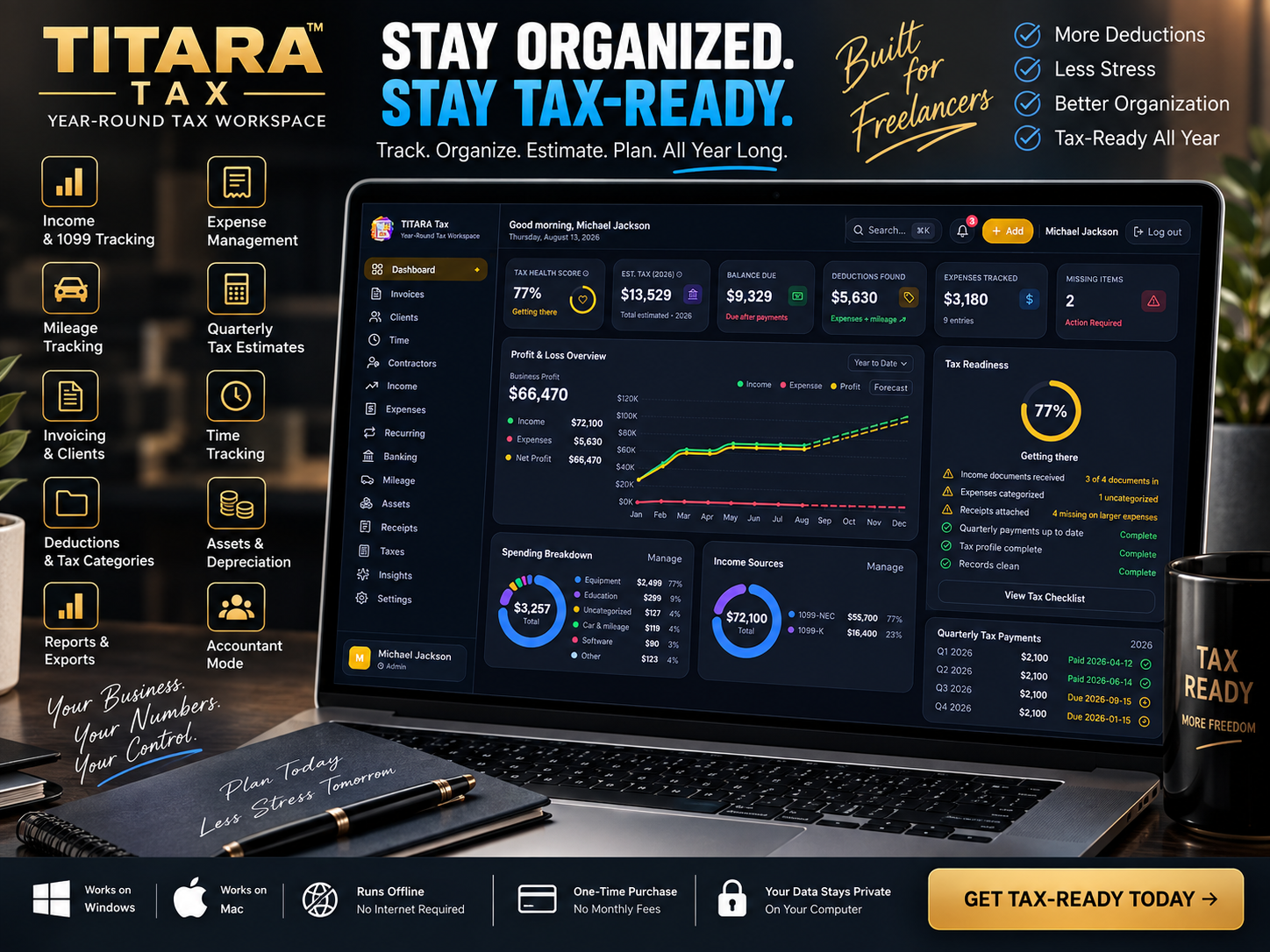
TITARA Tax gives freelancers and self-employed professionals one organized workspace to track business finances, monitor estimated taxes, capture deductions, manage mileage, prepare reports, and keep important tax information ready throughout the year.
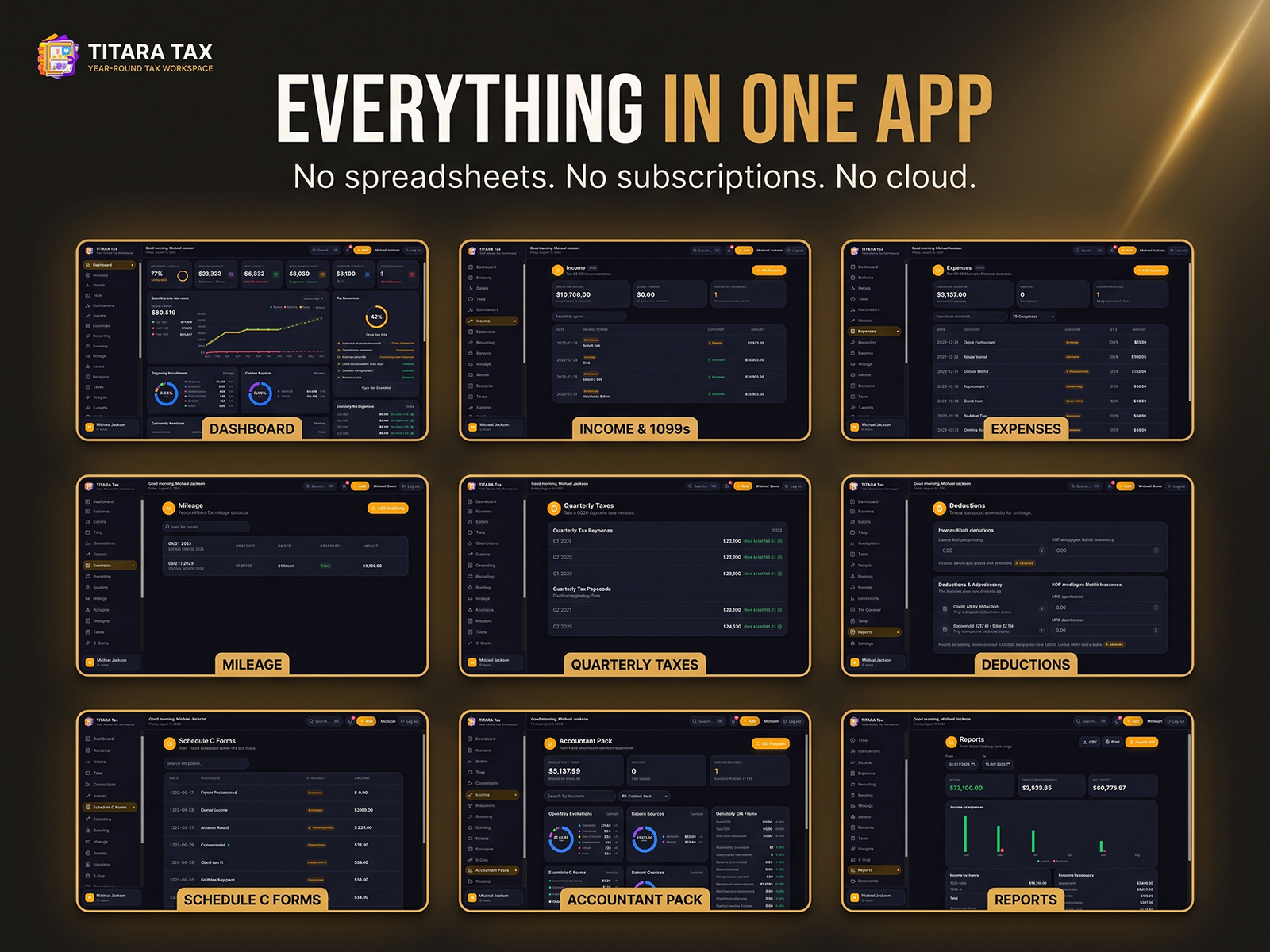
Instead of managing financial information across spreadsheets, receipts, folders, and disconnected tools, TITARA Tax brings your essential tax and business records together in one practical desktop application.
Everything You Need to Stay Tax-Ready
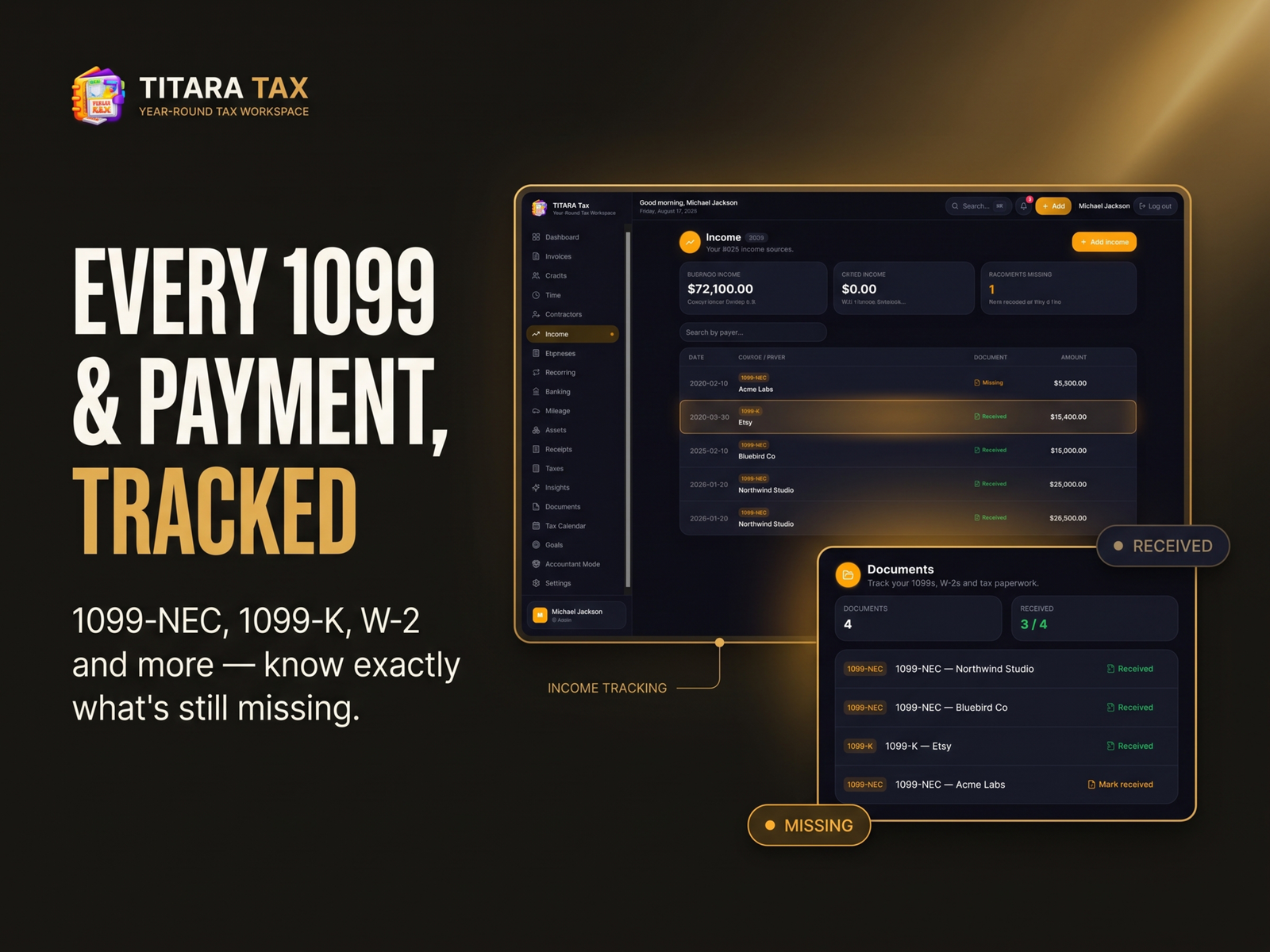
Income & 1099 Tracking
Keep your income organized by client, customer, or source.
Track 1099 income, side-hustle earnings, business revenue, and other sources so you can maintain a clear picture of your business throughout the year.
Expense Management
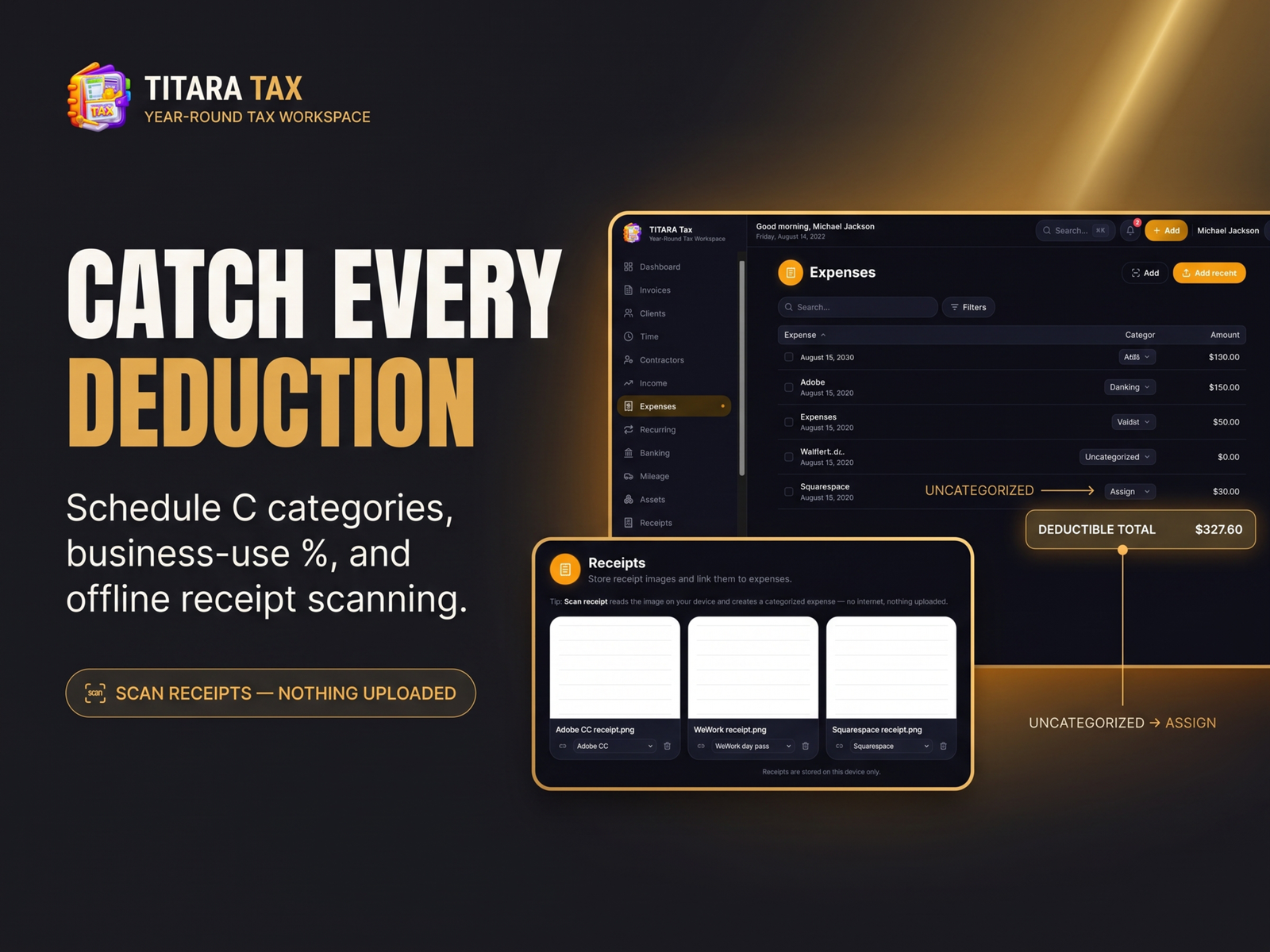
Record business expenses using organized Schedule C categories, business-use percentages, and receipt attachments.
Keep your deductible expenses organized instead of searching through folders when tax time arrives.
Offline Receipt Scanning
Capture receipt information directly from your computer with offline receipt processing and OCR capabilities.
Turn scattered receipts into organized expense records.
Mileage Tracking
Maintain a detailed mileage log for business travel and calculate mileage using the applicable IRS standard mileage rate based on trip date.
Keep your business mileage organized alongside your other tax records.
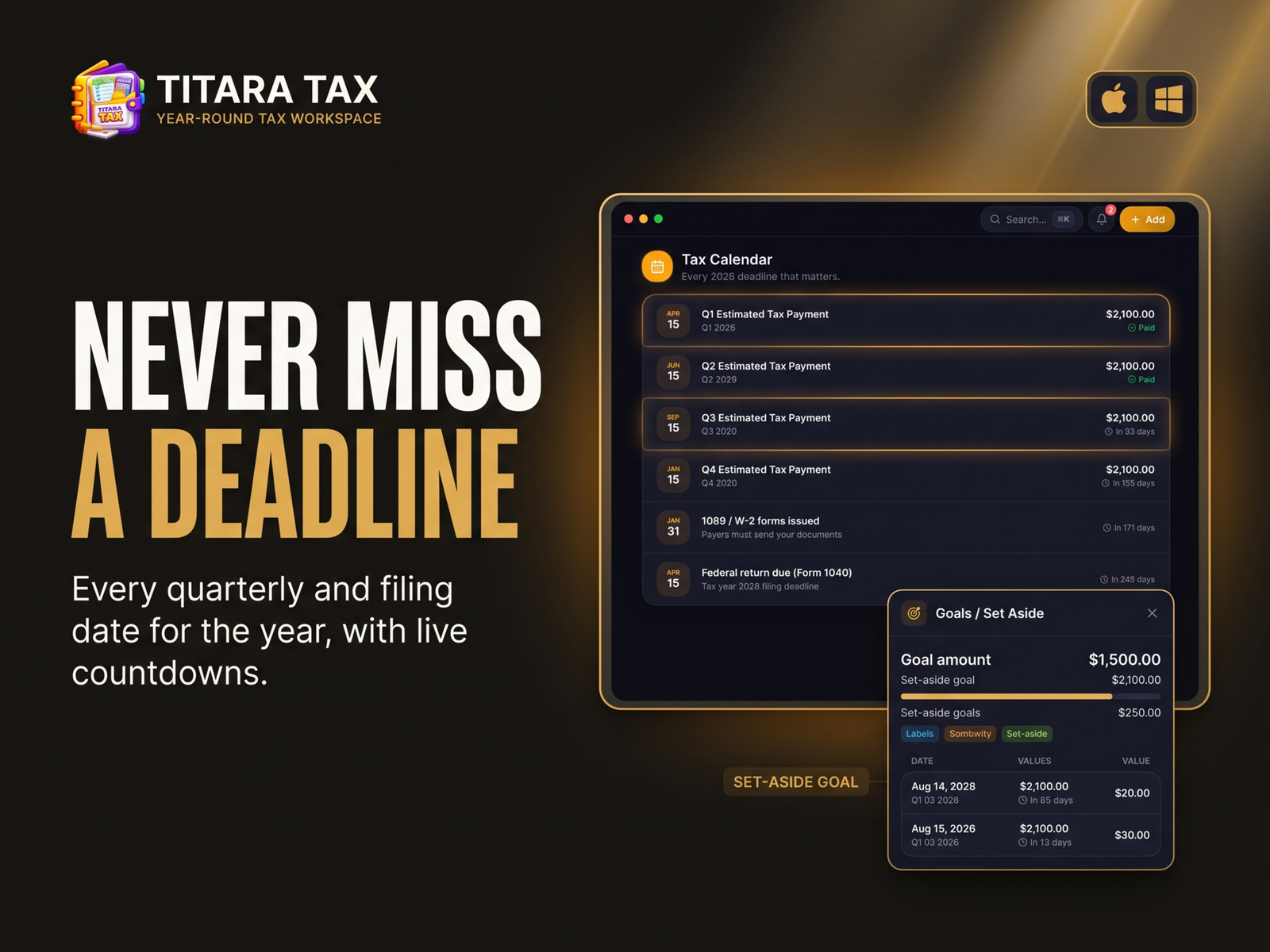
Quarterly Estimated Taxes
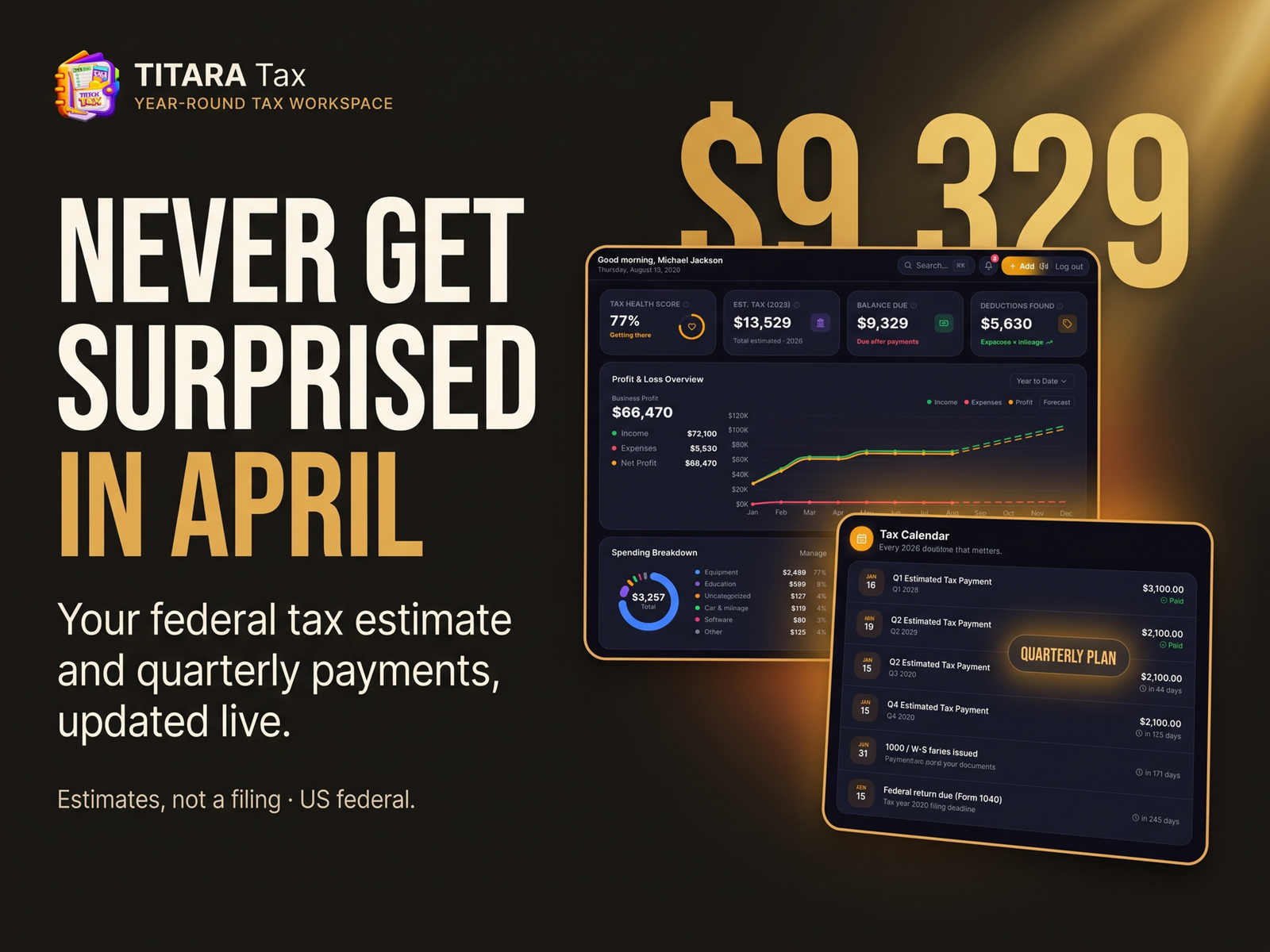
Stay ahead of quarterly tax obligations with estimated federal tax calculations, payment tracking, and upcoming due dates.
See what you may need to set aside throughout the year instead of discovering the numbers at tax time.
Estimates are for planning purposes and are not tax filings or tax advice.
Deduction Tracking
Organize potential business deductions including areas such as:
- Home office
- Retirement contributions
- Health-related business expenses
- Qualified business income considerations
- Business expenses
- Mileage
- Depreciation
- Section 179 assets
Tax Summary & Form Previews
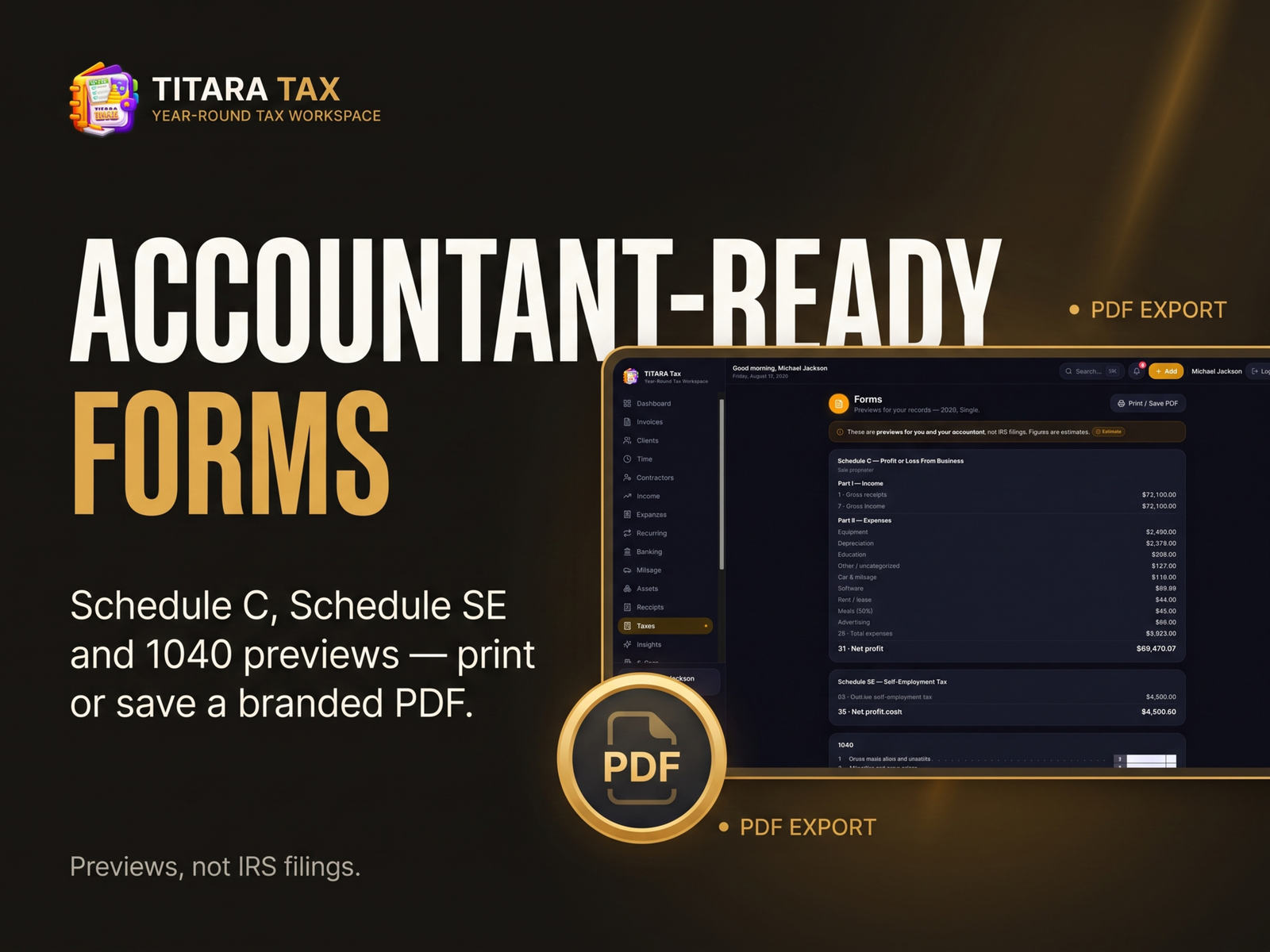
Review organized previews and summaries for:
- Schedule C
- Schedule SE
- 1040-related information
These tools are designed to help you understand and organize your tax information.
TITARA Tax does not electronically file your tax return.
Run More Than Your Taxes
TITARA Tax also includes practical tools for managing the business behind your tax records.
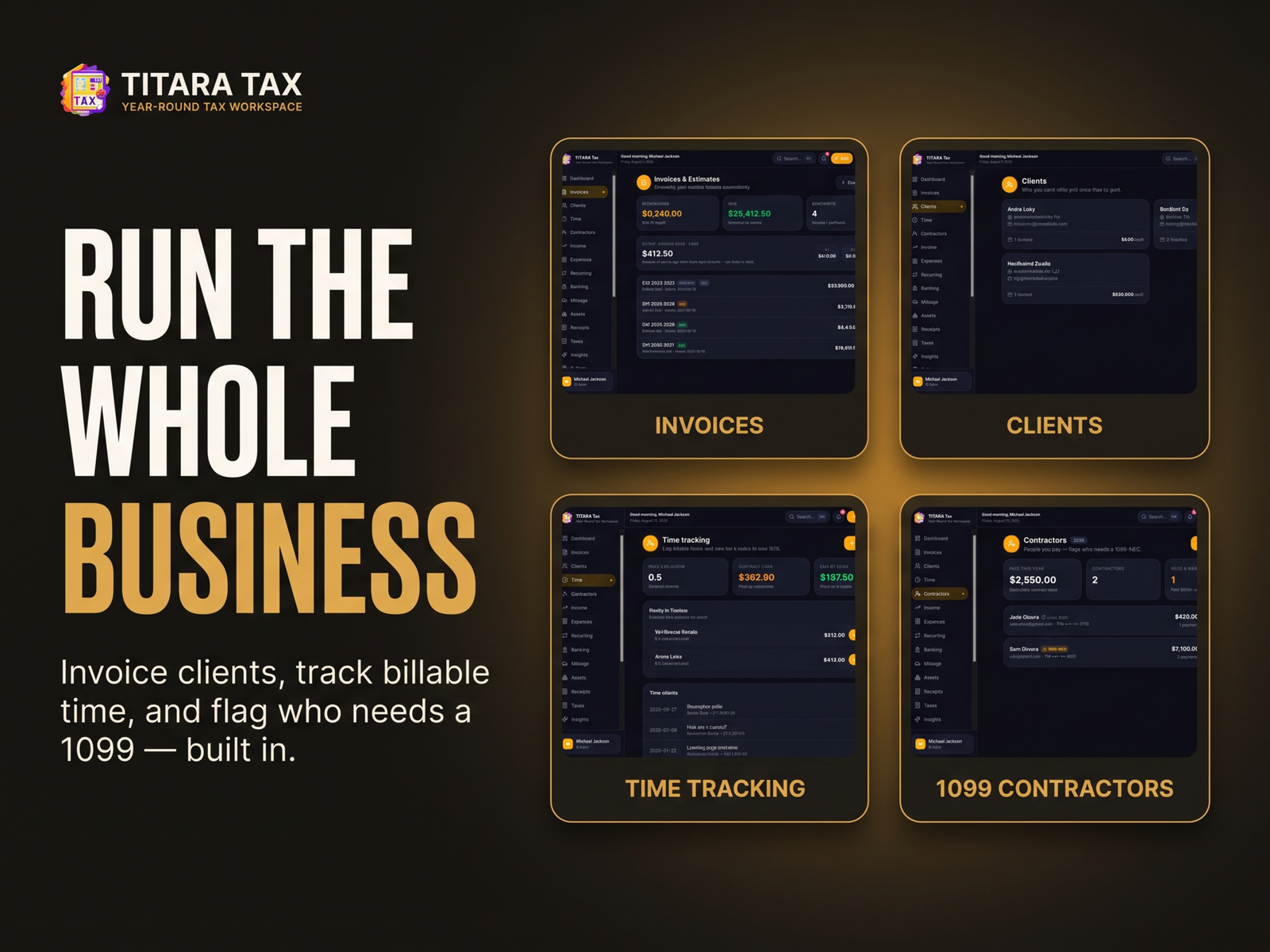
Client Invoicing
Create invoices and estimates for clients while keeping your business activity connected to your financial records.
Time Tracking
Track billable time and turn recorded hours into client invoices.
1099 Contractor Tracking
Keep track of contractors and identify records associated with workers who may require 1099 reporting.
Asset & Depreciation Tracking
Manage business assets, depreciation, and Section 179 information from one organized workspace.
Bank CSV Import
Import financial transactions through CSV and use smart categorization to reduce manual data entry.
Accountant Mode
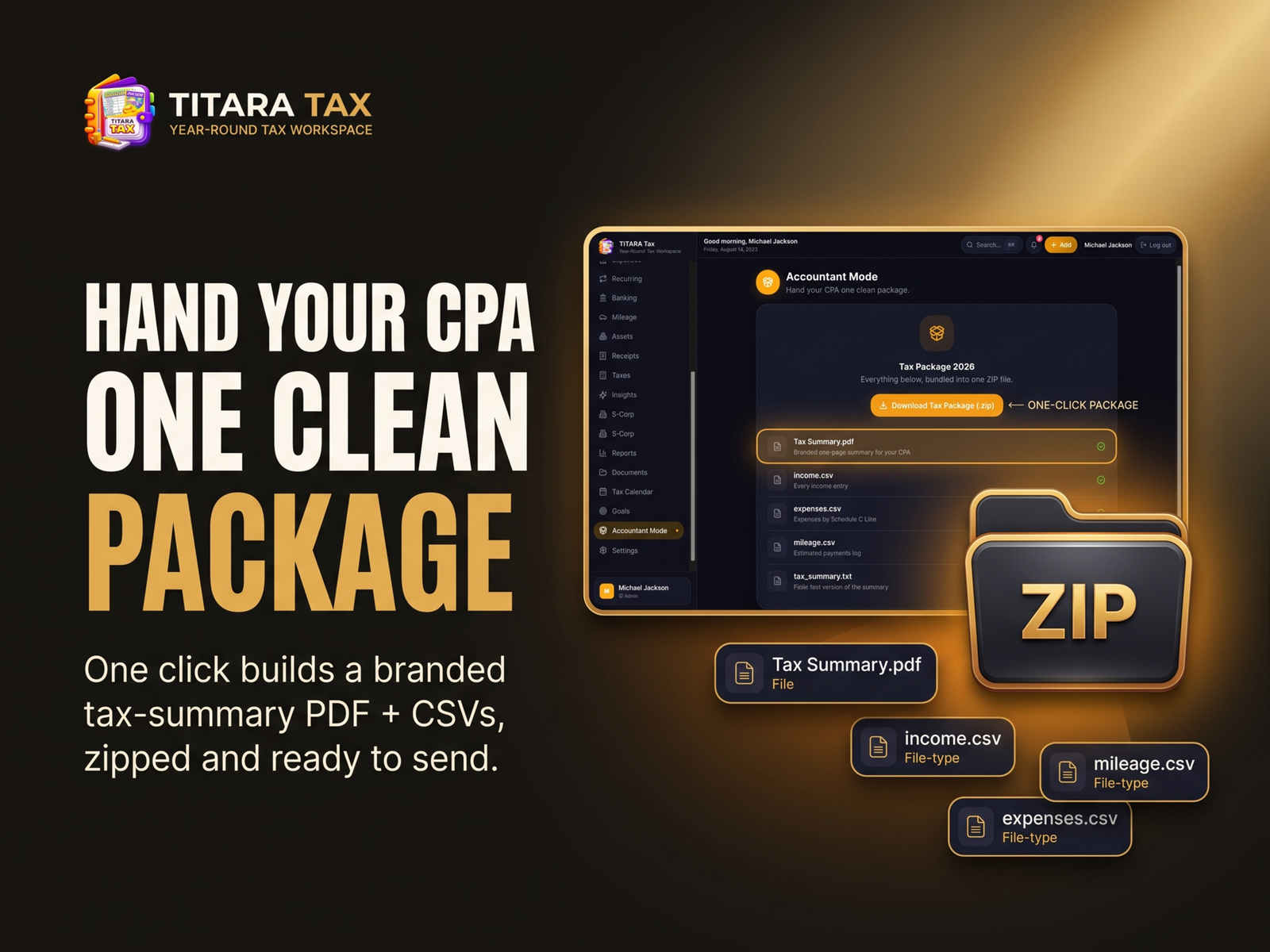
Prepare an organized package for your accountant with a consolidated tax summary and supporting CSV data.
Generate a structured package that makes it easier to hand your financial information to a tax professional.
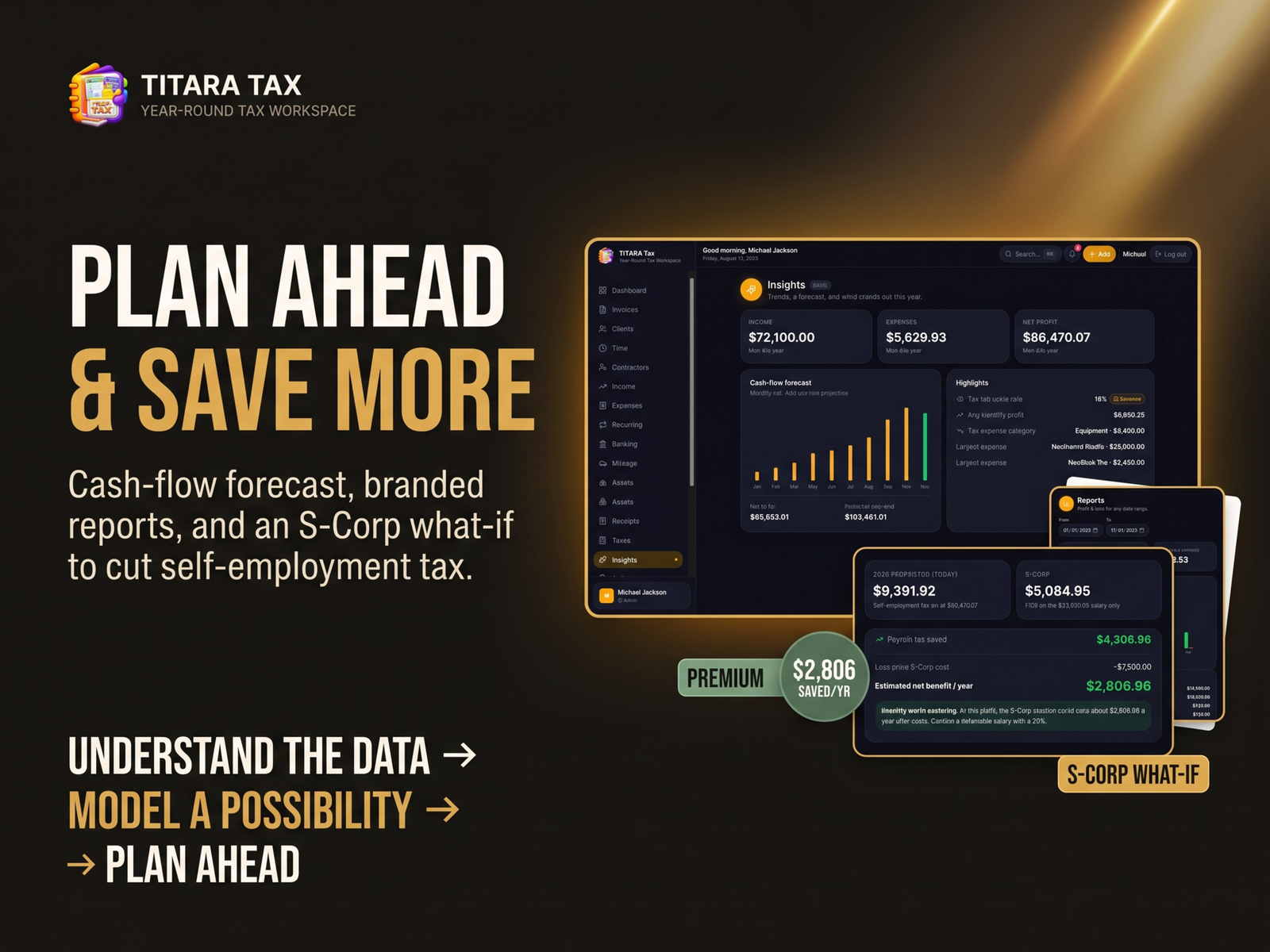
Reports & Exports
Generate professional reports and export important information for your records, accountant, or business planning.
Know Where You Stand
The TITARA Tax dashboard gives you a central view of your tax and business position.
Monitor:
- Tax readiness
- Estimated tax amounts
- Set-aside targets
- Income
- Expenses
- Mileage
- Upcoming tax deadlines
- Deduction information
- Business activity
Instead of waiting until April to understand your numbers, build a clearer picture throughout the year.
Private Desktop Software
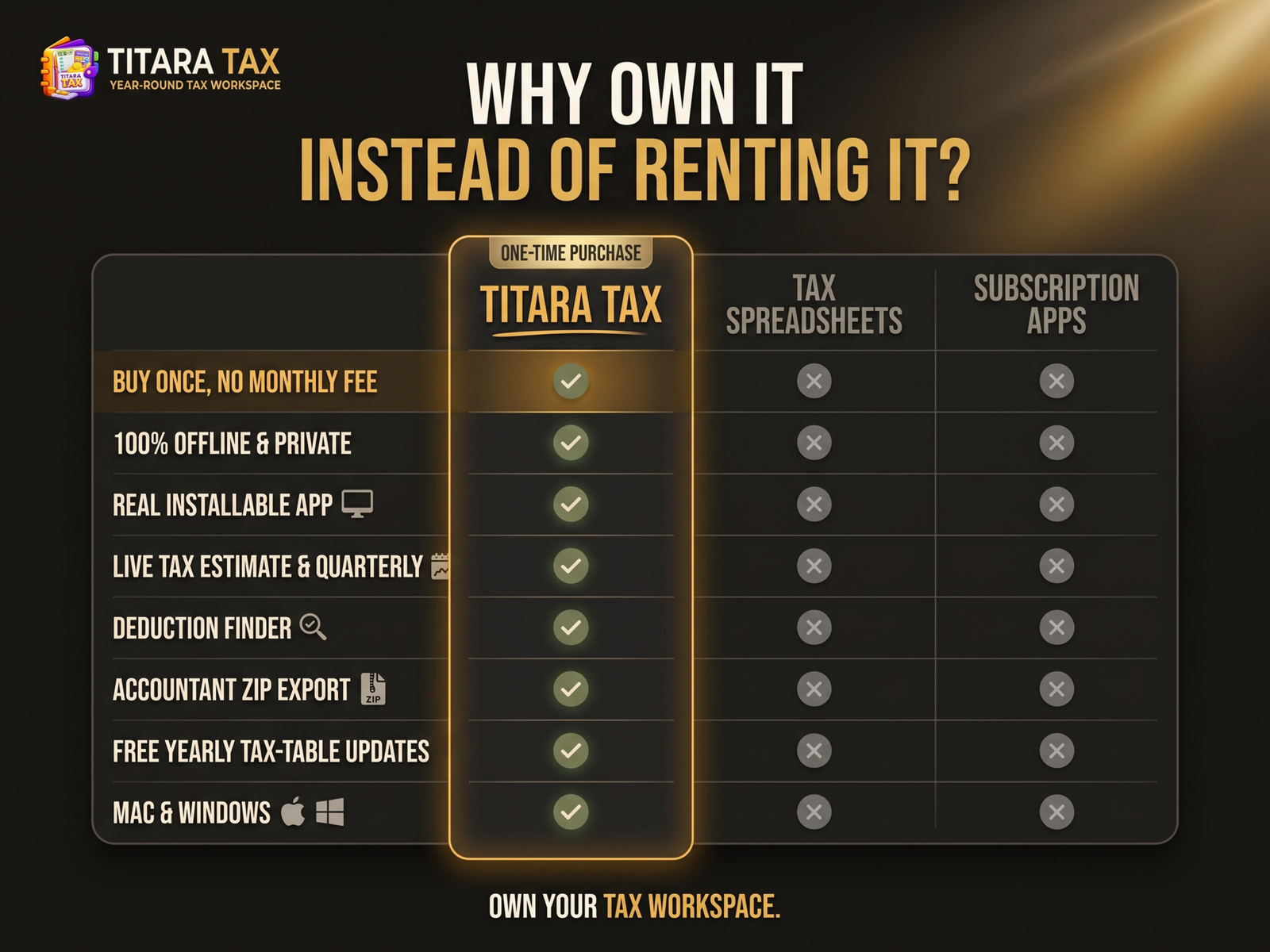
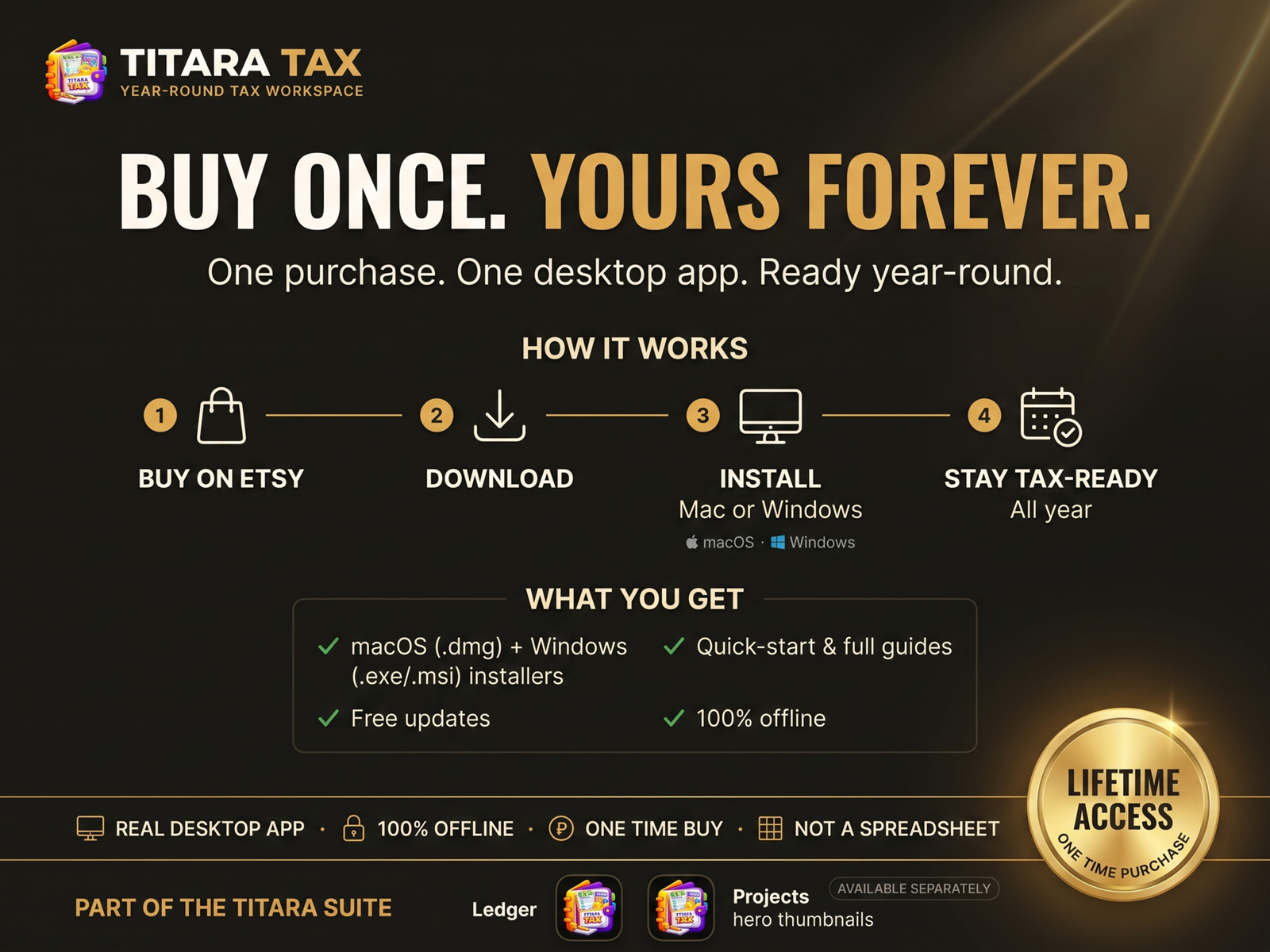
TITARA Tax is designed as a standalone desktop application for macOS and Windows.
Your financial information can remain on your own computer rather than being dependent on a cloud account.
No Monthly Subscription
Purchase the software once and use the included version without recurring monthly software fees.
Offline Workflow
Core tax and business organization can be performed without relying on an always-online cloud workspace.
Backup & Restore
Keep your information backed up and move your records between supported computers using the application’s backup/export capabilities.
Built for Independent Professionals
TITARA Tax is designed for people who manage their own income, expenses, clients, and tax obligations.
Ideal for:
- Freelancers
- Independent contractors
- 1099 professionals
- Gig workers
- Consultants
- Creators
- Online sellers
- Solo business owners
- Service professionals
- Independent professionals
Mac + Windows
TITARA Tax includes desktop versions for:
macOS 12 Monterey or later
Apple Silicon & Intel
Windows 10 / 11
64-bit
Desktop or laptop use is required; the product is not designed for phones or tablets.
Important Tax Notice
TITARA Tax is a tax organization and estimation tool, not a tax-filing service or substitute for professional tax advice.
Tax calculations and previews should be reviewed and verified before filing. Consult a qualified tax professional regarding your individual tax situation.
Stop Chasing Receipts. Start Knowing Your Numbers.
Your tax information shouldn’t live in five different places.
Track it. Organize it. Understand it. Stay ready.
TITARA Tax
Your Year-Round Tax Workspace.
Reviews
There are no reviews yet.