


Description
TITARA Wedding Pro
Your Entire Wedding. Beautifully Organized.
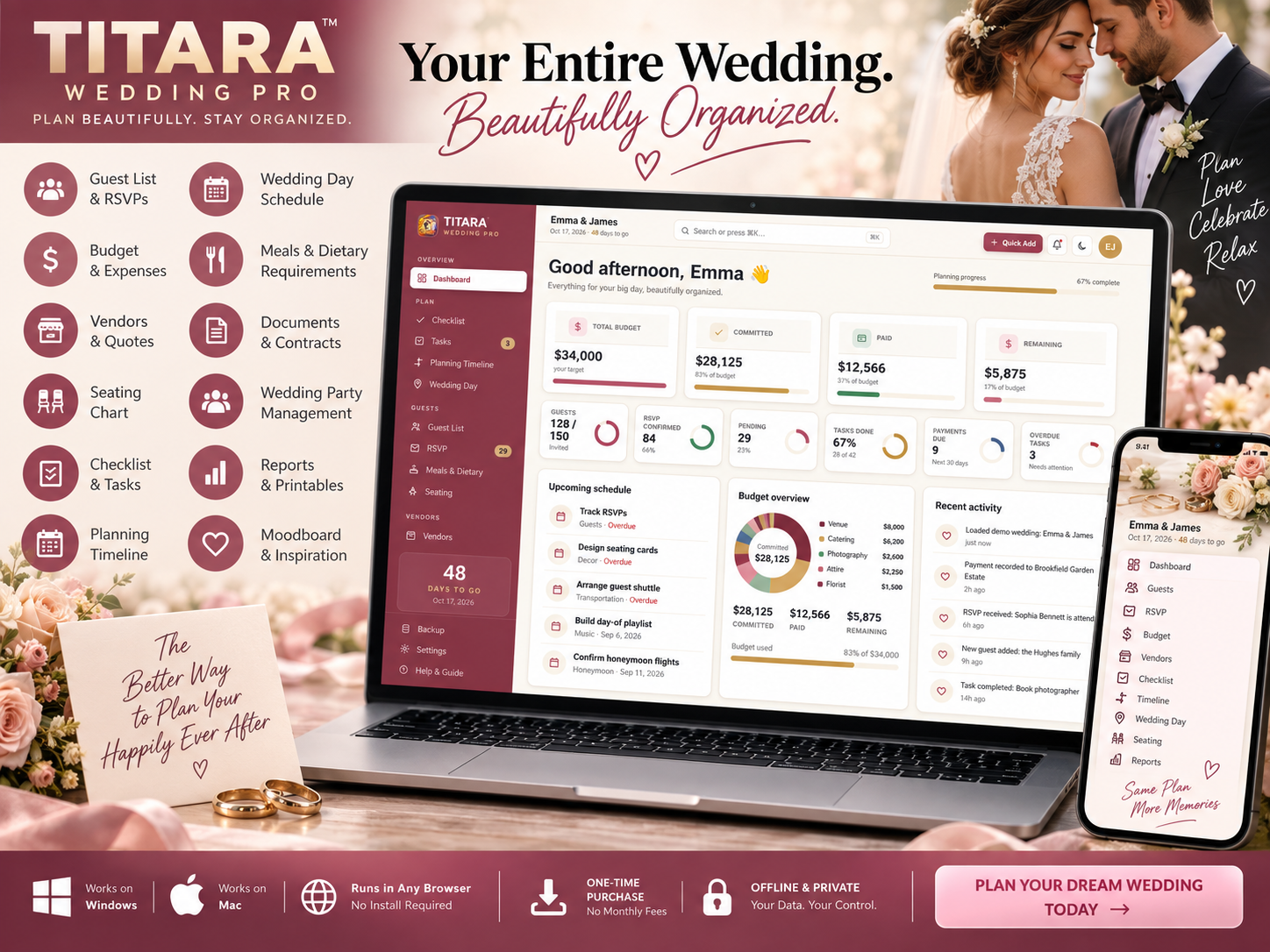
One wedding. One workspace. Less chaos.
Planning a wedding means keeping track of hundreds of little details — guests, RSVPs, vendors, payments, budgets, seating, meals, deadlines, documents, and the wedding-day schedule.
TITARA Wedding Pro brings those details together in one connected application so you can plan your wedding with more clarity and less scattered paperwork.
It’s designed for engaged couples, DIY wedding planners, destination weddings, micro-weddings, elopements, and anyone who wants a more organized way to plan their big day.
Your Wedding. One Connected System.
TITARA Wedding Pro is built around one simple idea:
Enter information once. Keep everything connected.
Your guest information can flow into RSVP tracking, meals, seating, and catering counts.
Your vendors can connect to quotes, deposits, payments, and your wedding budget.
Your timeline can connect tasks and milestones to your wedding date.
Instead of maintaining separate spreadsheets and lists, your planning information works together inside one application.
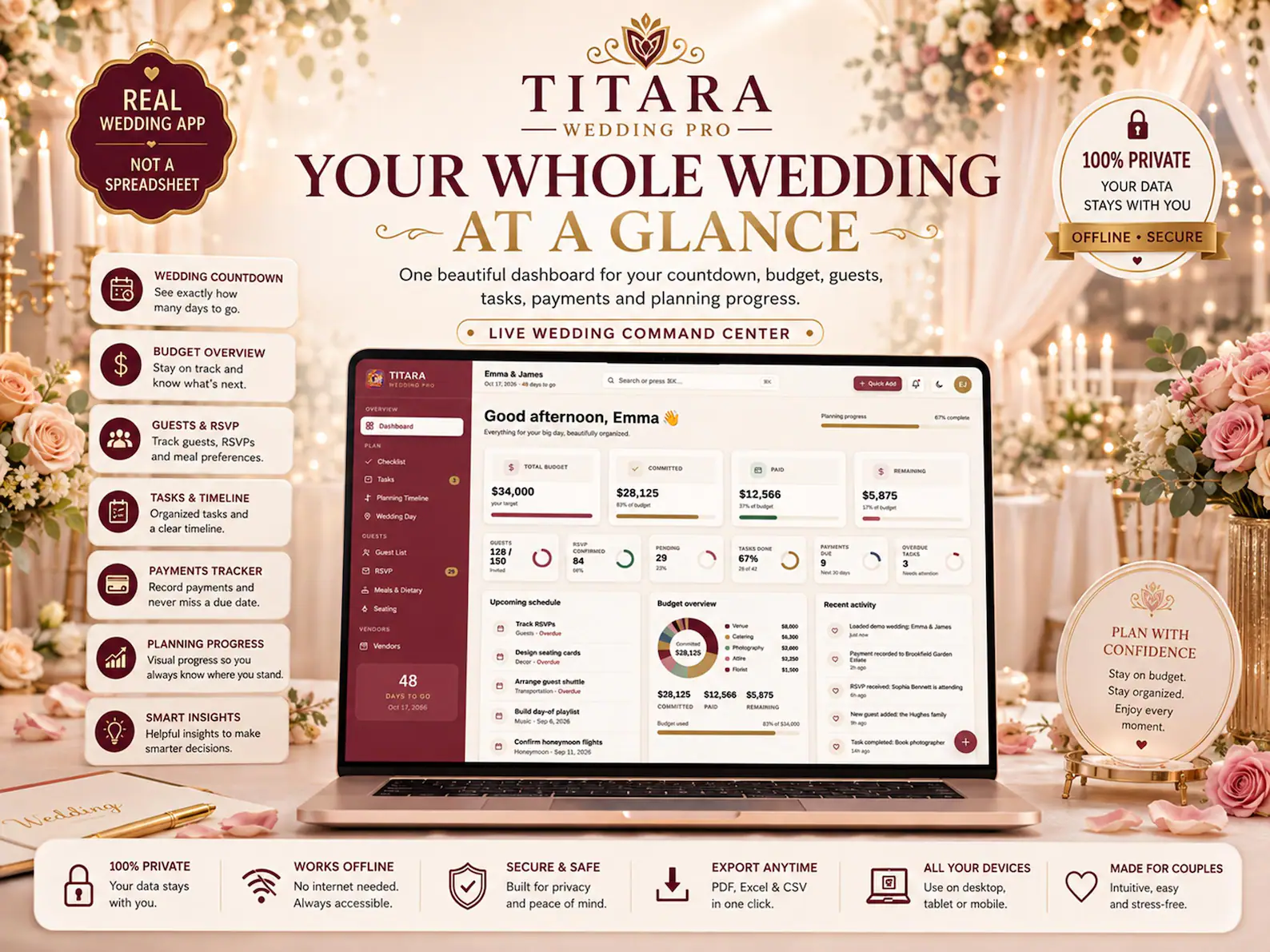
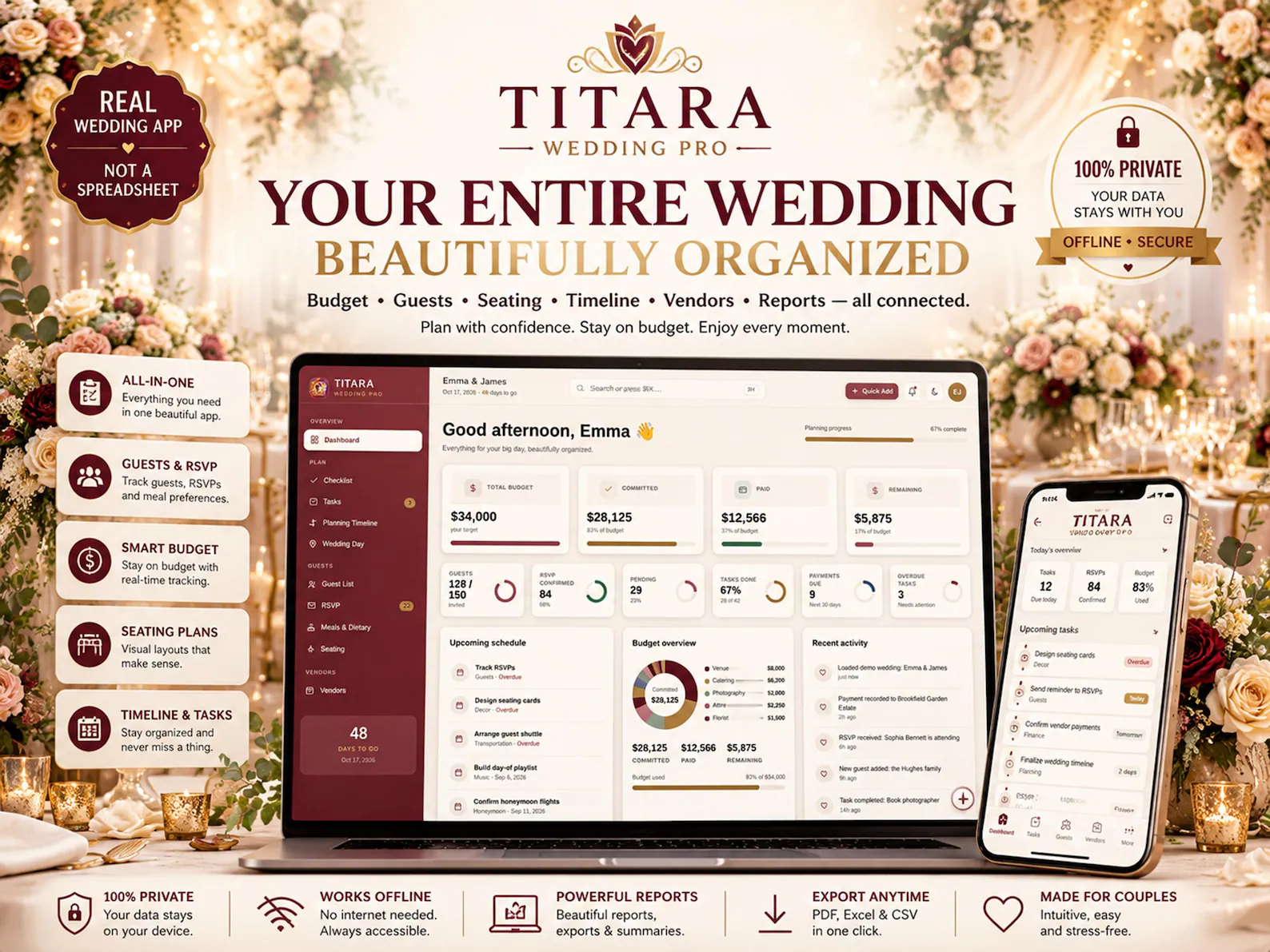
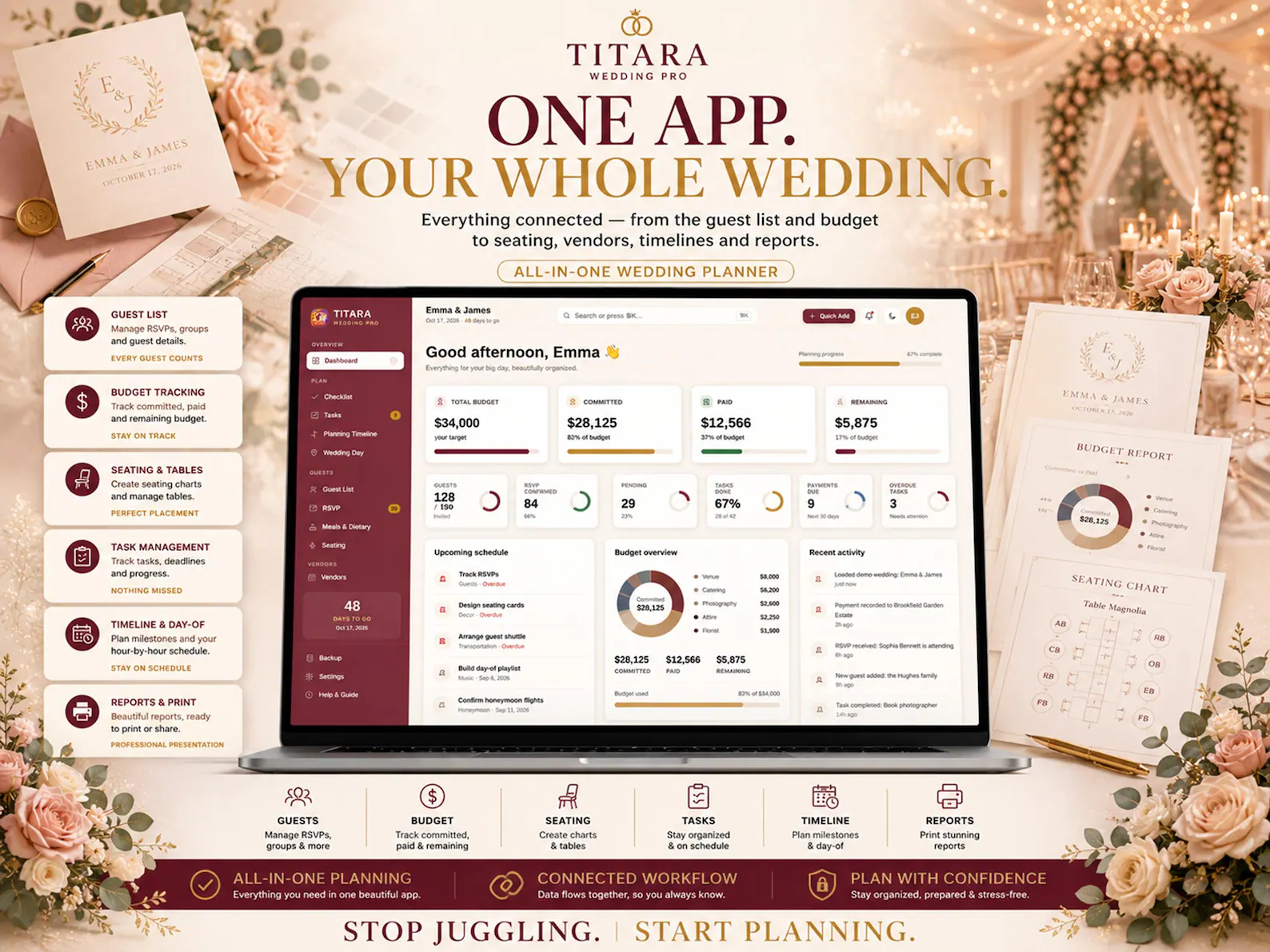
Live Wedding Dashboard
Start with a clear overview of your entire wedding.
The dashboard brings important information together, including:
- Wedding countdown
- Budget overview
- Guest and RSVP summary
- Upcoming payments
- Planning progress
- Upcoming tasks
- Smart insights
- Important planning information
See what’s happening without searching through multiple planning documents.
Wedding Checklist
Stay on top of everything that needs to happen before the big day.
Create and organize tasks around your wedding date so you can see what needs attention next.
Track:
- Planning tasks
- Due dates
- Priorities
- Categories
- Task owners
- Completed items
- Overdue tasks
Use list, board, or calendar-style views to organize your work.
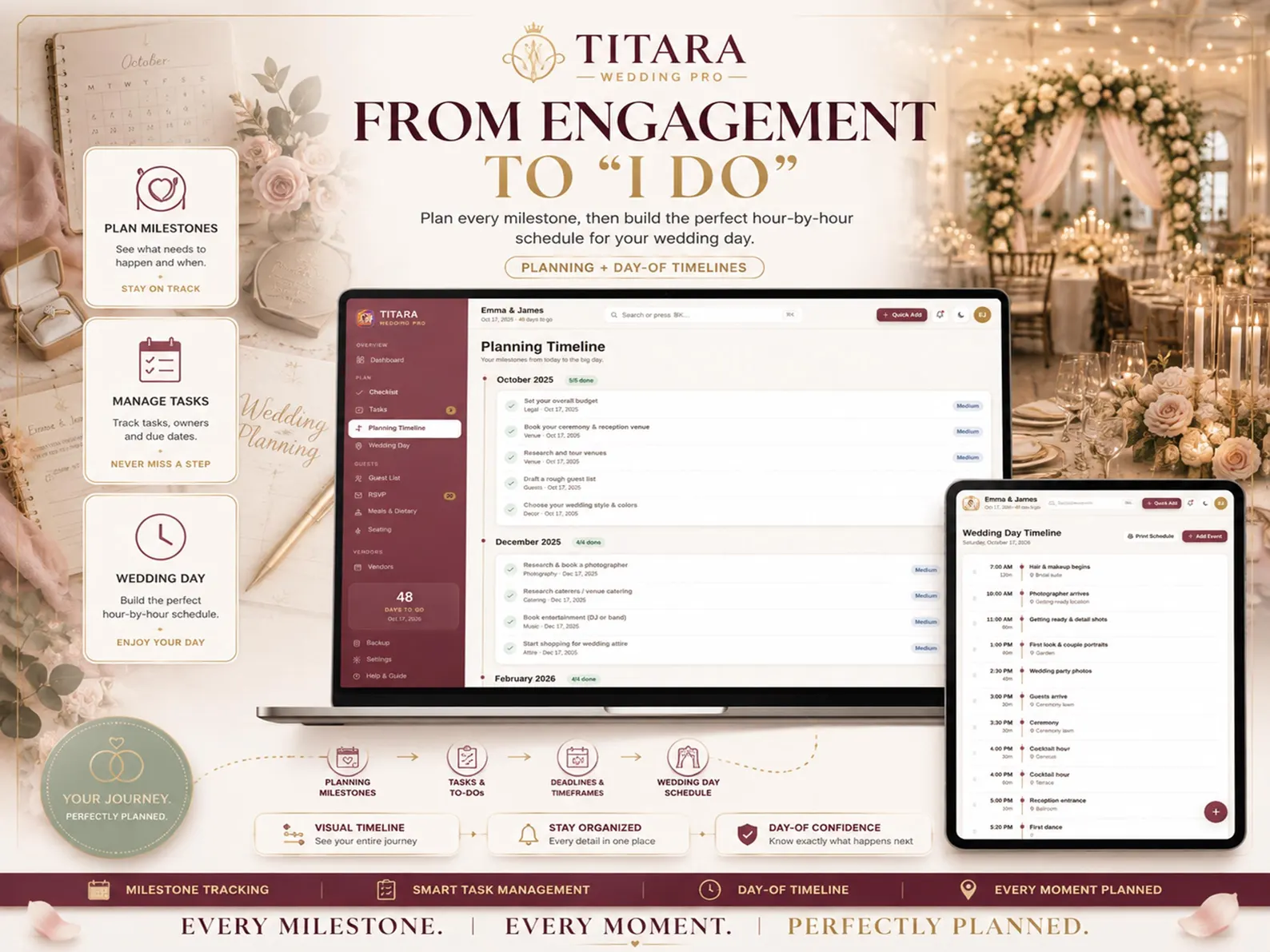
Planning Timeline
Keep your entire wedding journey organized from engagement to the big day.
Create milestones and tasks in chronological order so you can understand what needs to happen and when.
Plan ahead. Stay organized. Enjoy the journey.
Wedding Day Timeline
Create a detailed hour-by-hour schedule for your wedding day.
Organize events such as:
- Getting ready
- Ceremony
- Photography
- Reception
- Dinner
- Speeches
- First dance
- Cake cutting
- Entertainment
- Send-off
Reorder events easily and create a printable schedule for your wedding planner, wedding party, or vendors.
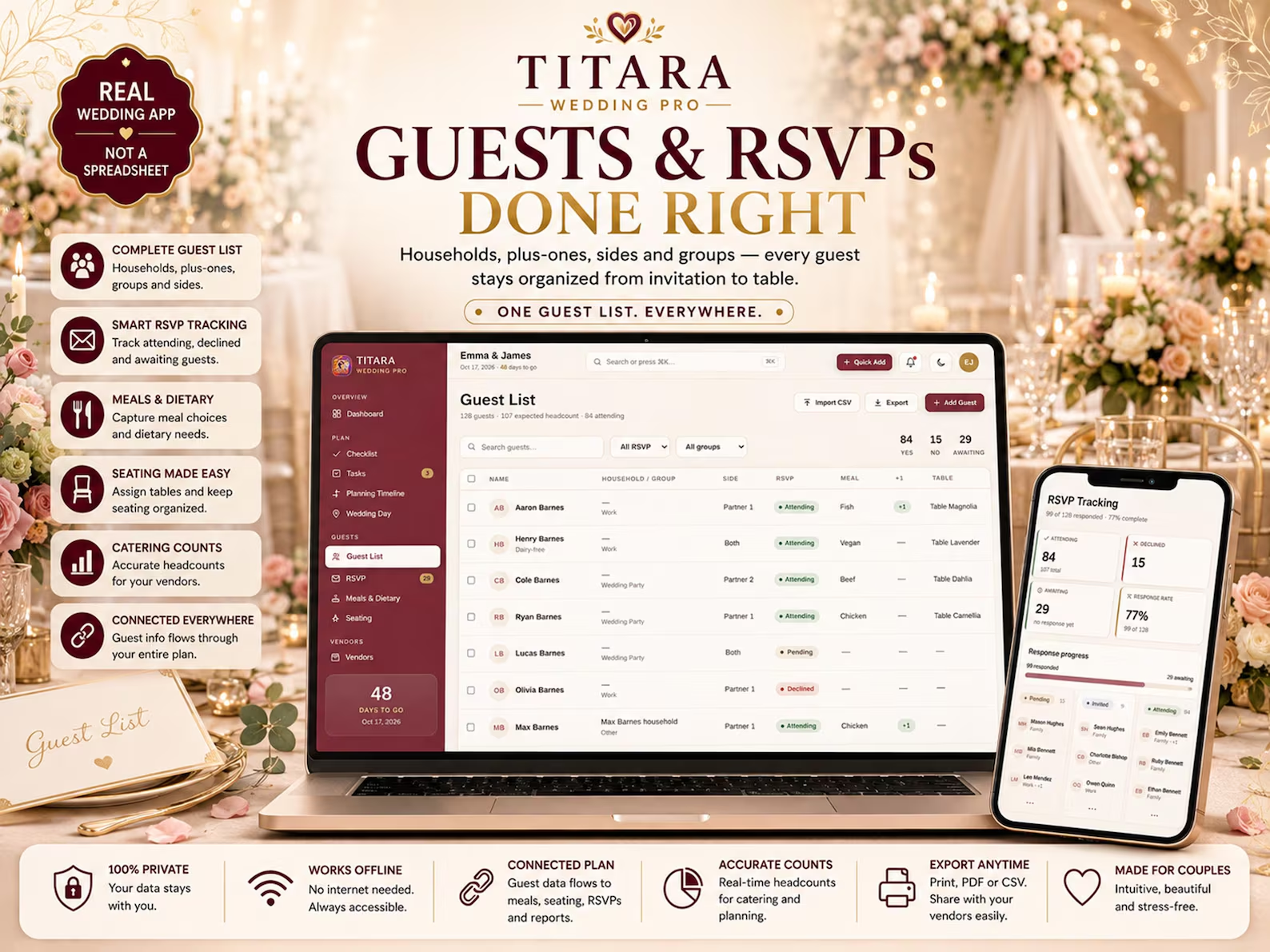
Guest List Management
Keep all your guests organized in one place.
Manage:
- Individual guests
- Households
- Plus-ones
- Groups
- Family sides
- Contact information
- Wedding party
- Guest categories
Bulk actions make it easier to update multiple guests and assign information efficiently.
RSVP Tracking
Know exactly who is attending.
Track:
- Attending
- Declined
- Pending
- Plus-ones
- Guest groups
- RSVP information
Import guest information and generate useful RSVP information for your planning process.
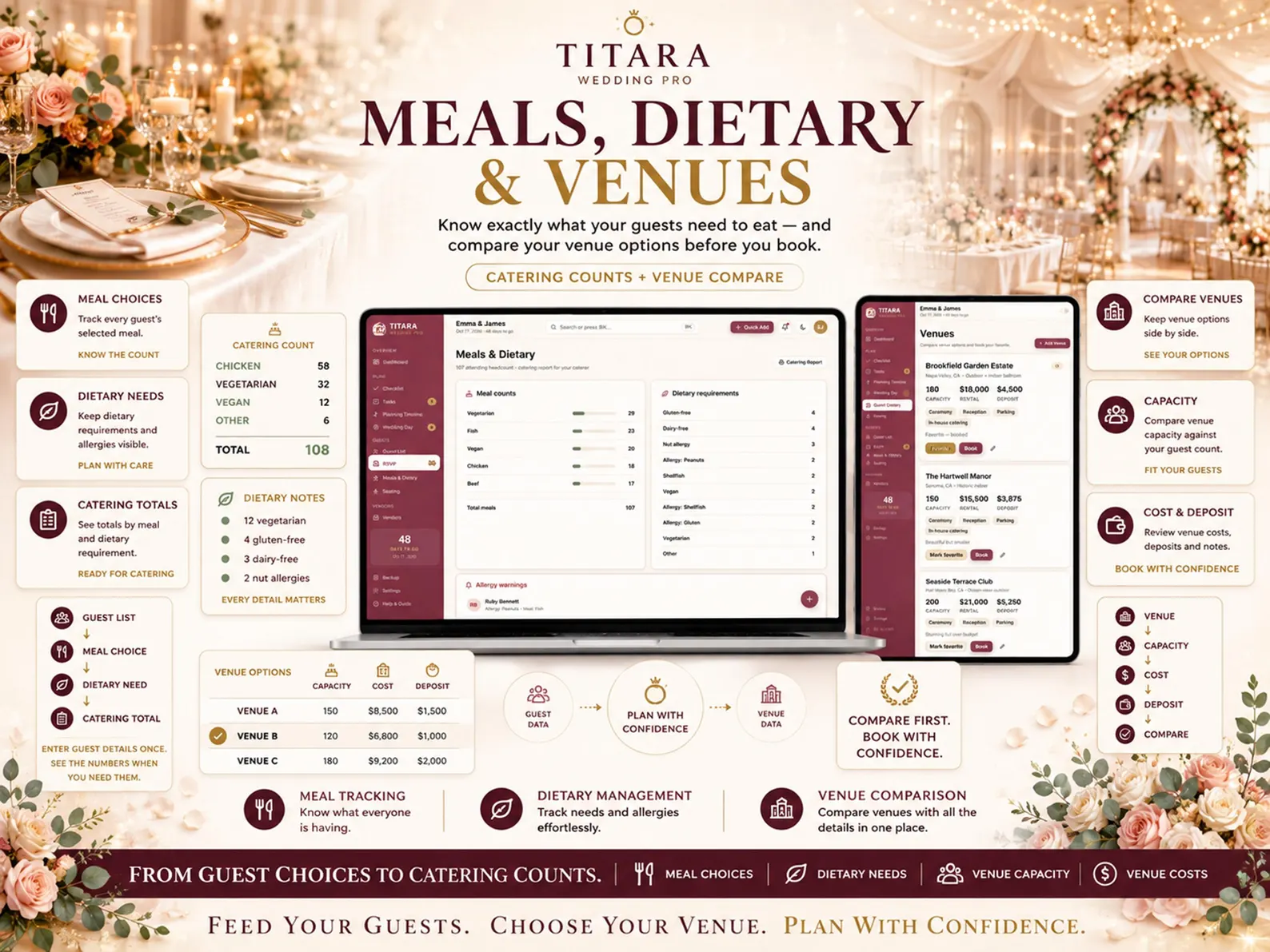
Meals & Dietary Requirements
Keep catering information connected to your guest list.
Track:
- Meal choices
- Dietary requirements
- Allergies
- Guest meal counts
- Catering totals
Generate a catering report so you can provide your final numbers to your caterer.
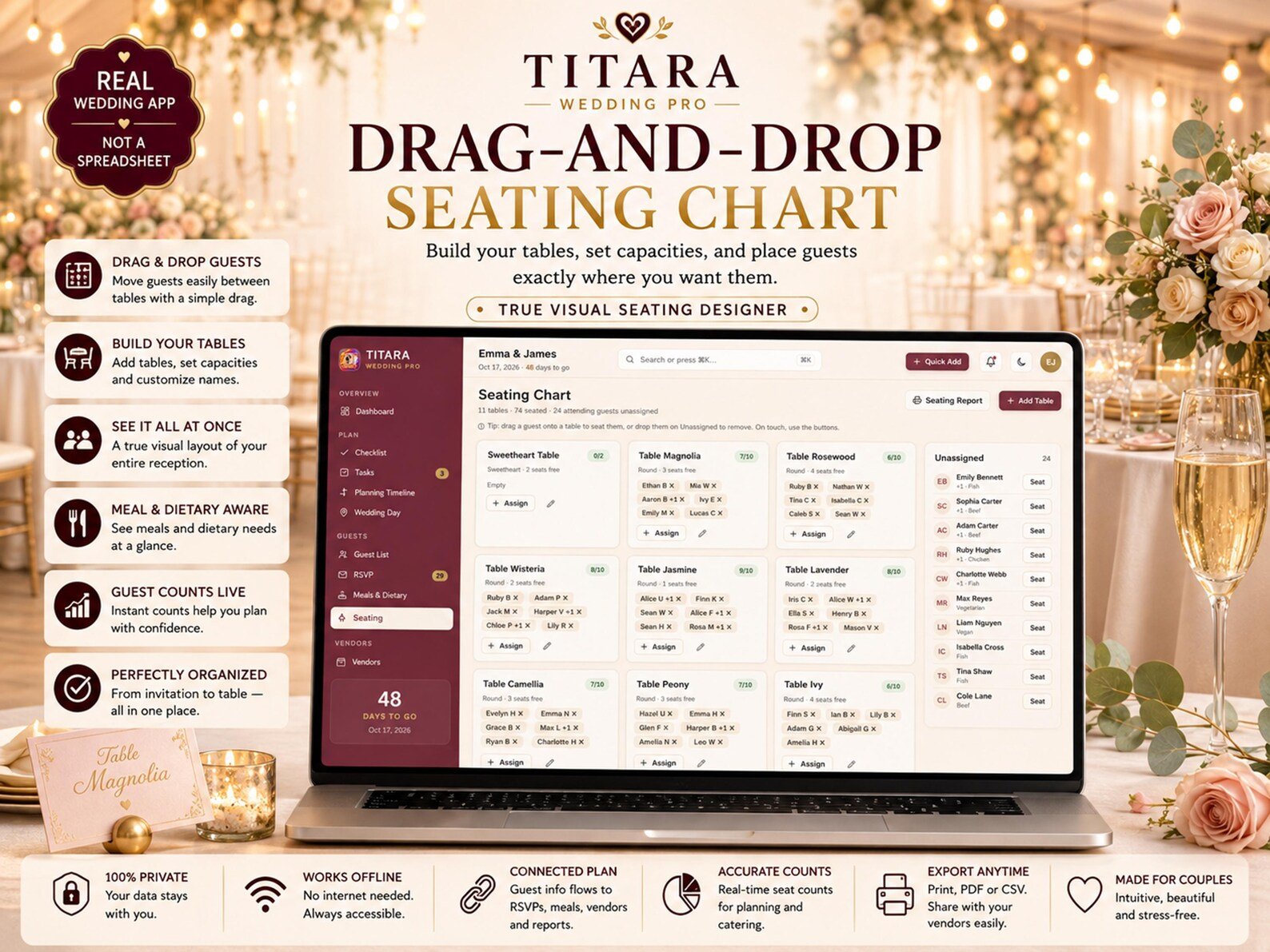
Visual Seating Designer
Forget trying to organize seating with paper charts.
TITARA Wedding Pro includes a visual seating designer where you can:
- Create tables
- Set table capacities
- Assign guests
- Move guests between tables
- Reorganize seating visually
- Identify over-capacity tables
The system can help prevent seating assignments from exceeding table capacity.
Your Guest List → Your Seating Chart
Keep guest and seating information connected instead of maintaining two separate systems.
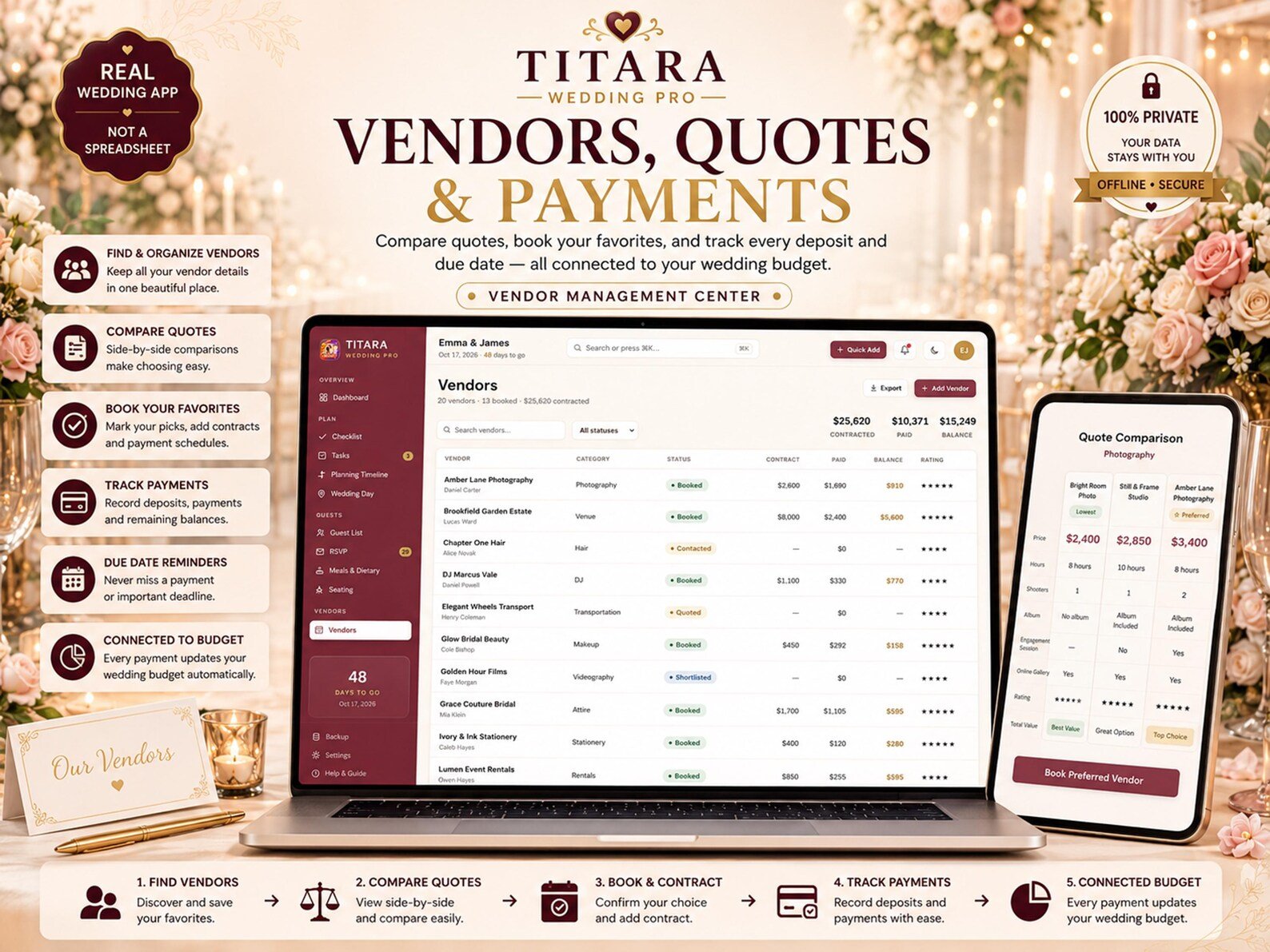
Vendor Management
Keep your wedding vendors organized in one place.
Manage:
- Vendor names
- Categories
- Contact information
- Status
- Ratings
- Contracts
- Deposits
- Balances
- Notes
Connect vendors to your broader wedding budget and payment schedule.
Compare Vendor Quotes
Comparing vendors can quickly become confusing.
TITARA Wedding Pro lets you organize vendor quotes side-by-side.
Compare:
- Price
- What’s included
- Vendor information
- Notes
- Preferred option
Then turn your selected vendor into a booked vendor within your planning workflow.
Wedding Payments
Keep track of what you owe and when it’s due.
Manage payment schedules across your vendors with:
- Payment amounts
- Due dates
- Payment status
- Upcoming payments
- Overdue payments
- Vendor balances
See your financial commitments without searching through emails, contracts, and notes.
Venue Comparison
Compare potential wedding venues using the information that matters to you.
Track:
- Capacity
- Cost
- Deposit
- Location
- Notes
- Venue preferences
Compare your options before making your final decision.
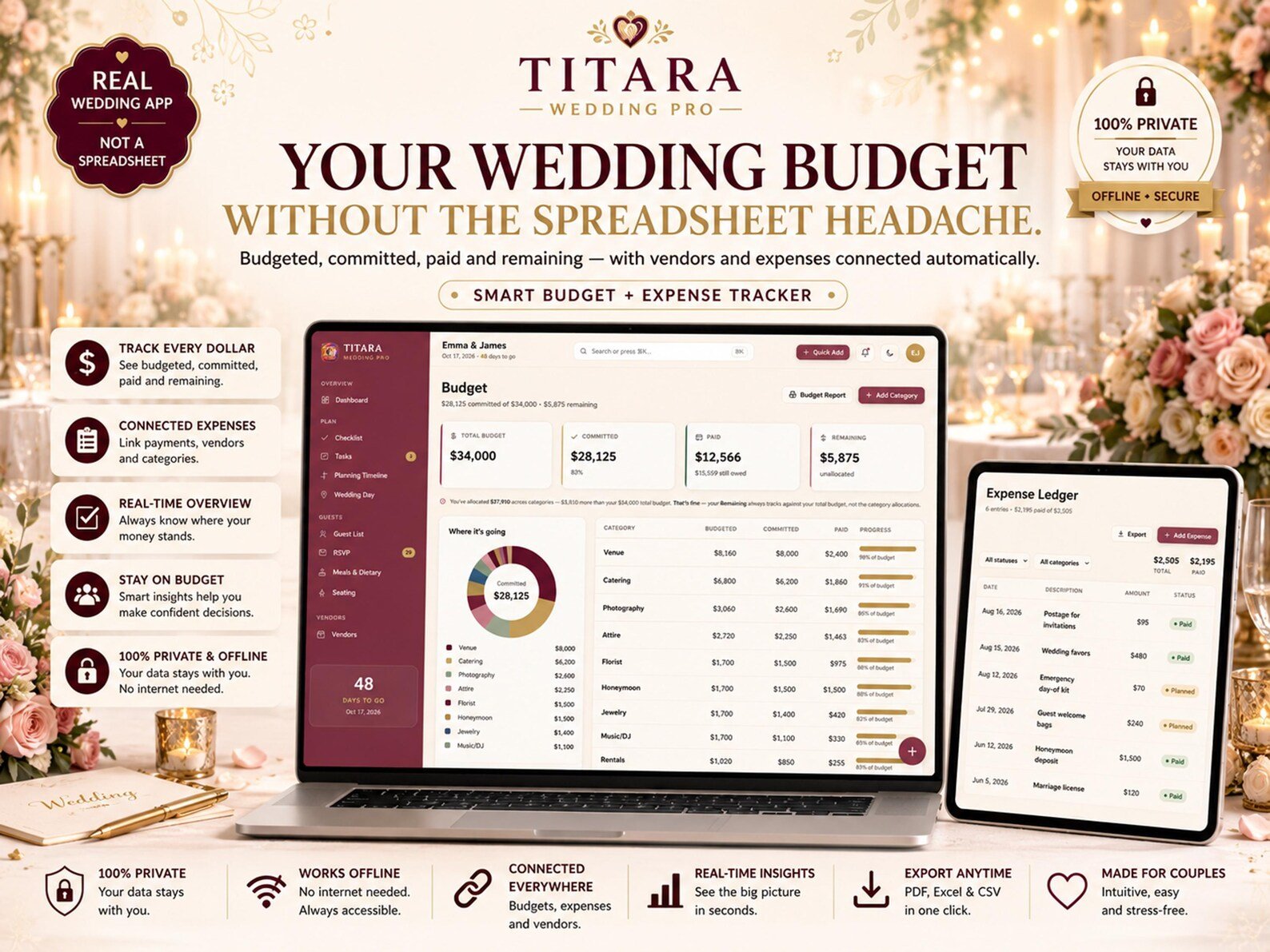
Wedding Budget
Know where your wedding money is going.
The budget system helps you track:
- Budgeted amount
- Committed amount
- Amount paid
- Remaining balance
- Wedding categories
- Budget progress
- Spending overview
Visual charts help make your overall budget easier to understand.
Expenses
Not every wedding expense comes from a vendor.
Track additional expenses such as:
- Wedding favors
- Stationery
- Marriage license
- Decorations
- Accessories
- Miscellaneous purchases
These expenses can be incorporated into your overall wedding budget.
Wedding Party
Keep your wedding party organized.
Manage:
- Bridesmaids
- Groomsmen
- Parents
- Helpers
- Roles
- Responsibilities
- Contact information
Everyone can have a clear role in your wedding-day plan.
Documents
Keep important wedding documents organized.
Create a central document area for things such as:
- Vendor contracts
- Quotes
- Invoices
- Agreements
- Planning documents
- Other important files
No more searching through random folders when you need an important document.
Moodboard
Keep your wedding vision close to your planning workspace.
Collect:
- Inspiration
- Ideas
- Notes
- Color swatches
- Visual references
Build a central place for the look and feel you’re creating for your wedding.
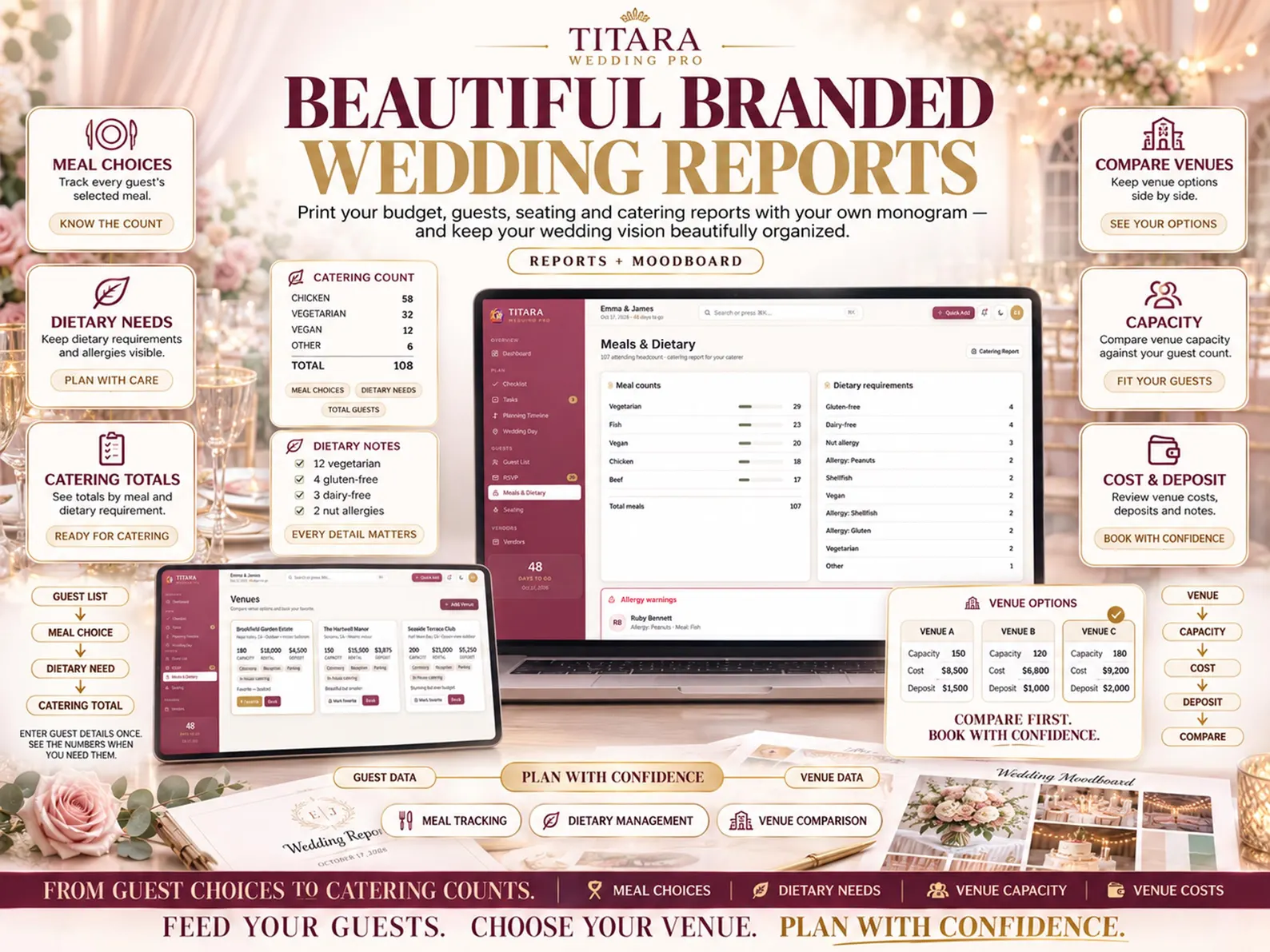
Professional Wedding Reports
Turn your planning data into useful reports.
Generate printable reports for:
- Budget
- Guests
- Seating
- Catering
- Wedding summary
Reports can be useful for sharing information with vendors, planners, family members, or keeping your own records.
Private & Offline
TITARA Wedding Pro is designed around a local, offline workflow.
The application can operate without an internet connection after it has been obtained, and your planning information is designed to remain locally on the device/browser where you use it.
There is no required account or login for the core application workflow.
Your Wedding Data Should Stay Yours.
Your guest list contains personal information. Your vendor contracts contain financial information. Your planning data belongs to you.
TITARA Wedding Pro is designed with a privacy-focused local workflow rather than requiring your wedding planning information to live in an advertising-driven online platform.
Backup & Restore
Protect your wedding planning data.
Use the built-in backup and restore functionality to:
- Create backups
- Restore your planning data
- Move your wedding plan between supported computers
- Keep a safe copy of your information
CSV export is also available for supported data.
Make It Your Own
Customize the application to suit your planning style.
TITARA Wedding Pro includes:
- Multiple accent themes
- Light mode
- Dark mode
- Font choices
- Personalized wedding planning environment
Create a workspace that feels like your wedding, not another generic planning spreadsheet.
Works Across Modern Devices
TITARA Wedding Pro is designed to work through modern web browsers including:
- Chrome
- Edge
- Firefox
- Safari
- Brave
The application can be used across Windows, Mac, Linux, Chromebook, iPhone, Android, and tablets where supported by the browser.
A laptop or desktop is recommended for tasks such as detailed seating design and reports.
Built for Modern Wedding Planning
TITARA Wedding Pro is ideal for:
- Engaged couples
- Brides and grooms
- DIY wedding planners
- Destination weddings
- Micro-weddings
- Elopements
- Couples planning without a professional wedding planner
- Privacy-conscious couples
- Couples who want everything organized in one place
More Than a Wedding Checklist
A checklist tells you what to do.
TITARA Wedding Pro helps you manage the entire planning system behind your wedding.
Guests → RSVPs → Meals → Seating
Vendors → Quotes → Payments → Budget
Tasks → Milestones → Timeline → Wedding Day
Everything is designed to work together.
Stop Juggling. Start Planning.
Your wedding should be exciting.
Not a never-ending battle between spreadsheets, notes, messages, calendars, and folders.
TITARA Wedding Pro gives you one organized workspace for the details that matter most.
One App. Your Whole Wedding.
TITARA Wedding Pro
Plan Beautifully. Stay Organized. Enjoy the Moment.


Reviews
There are no reviews yet.